Checks with context.
Record temperatures against your equipment’s limits. Keep corrective actions and a history of changes alongside the reading.
Explore temperature checks ↗From the first temperature check to the final clean-down. Keep your kitchen’s daily records and your team together in one place.
Built for the people behind every service.

Recorded. In range. Ready for service.
Paper sheets, separate messages, and “who checked that?” moments. Give every task and record a place to belong.
Record temperatures against your equipment’s limits. Keep corrective actions and a history of changes alongside the reading.
Explore temperature checks ↗Organize cleaning tasks by area, due date, and assigned staff. See what’s open and record when the work is complete.
Explore cleaning plans ↗Keep supplier deliveries, batch details, and expiry dates together. Create internal food labels for a more useful handover.
Explore food records ↗Real-time readings, instant alerts, and audit-ready logs for every branch.
 ChefLogsTemperature monitoring
Temperature alert
Explore an illustrative ChefLogs workspace. Choose a routine to see it in action.
Explore sample temperature, cleaning and delivery reports across branches.
Equipment shortcuts, favorites and clear temperature entry on a phone.
Get started with ChefLogsChefLogsEXAMPLEA closer look at the details that keep kitchen records useful.
Open the right equipment form after signing in. Available in Pro and Business.
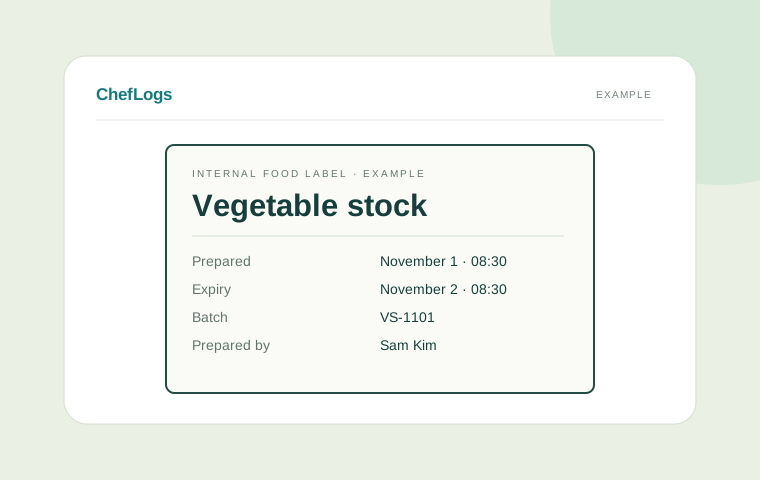
Reuse product settings, keep allergens and storage instructions, and print fixed-size internal labels.
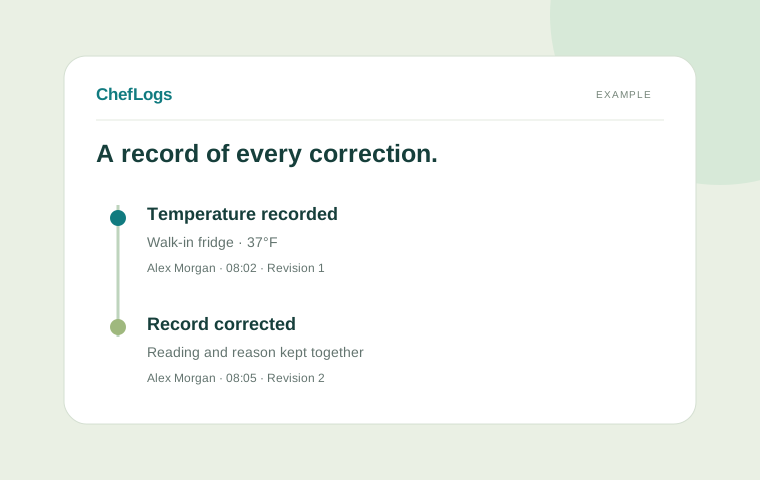
See who recorded a check and how it changed.
ChefLogs now carries more of the setup, traceability and reporting details that used to live in separate notes and spreadsheets.
Set temperature units and date format for each branch, so local teams see records the way they work.
Reuse product or preparation settings, keep allergens and storage instructions, and print fixed-size internal labels with a compact two-column layout.
Link preparations to the received ingredient lots actually used, then follow receiving, labels, inventory and waste together.
Track remaining stock, use FEFO ordering, set par levels and build reorder lists from shortages.
Connect supported sensor/vendor interfaces per branch, keep manual checks available, and retain an audit-ready temperature history.
Compare branch activity, consolidate reports and review operational performance from one business-level view.
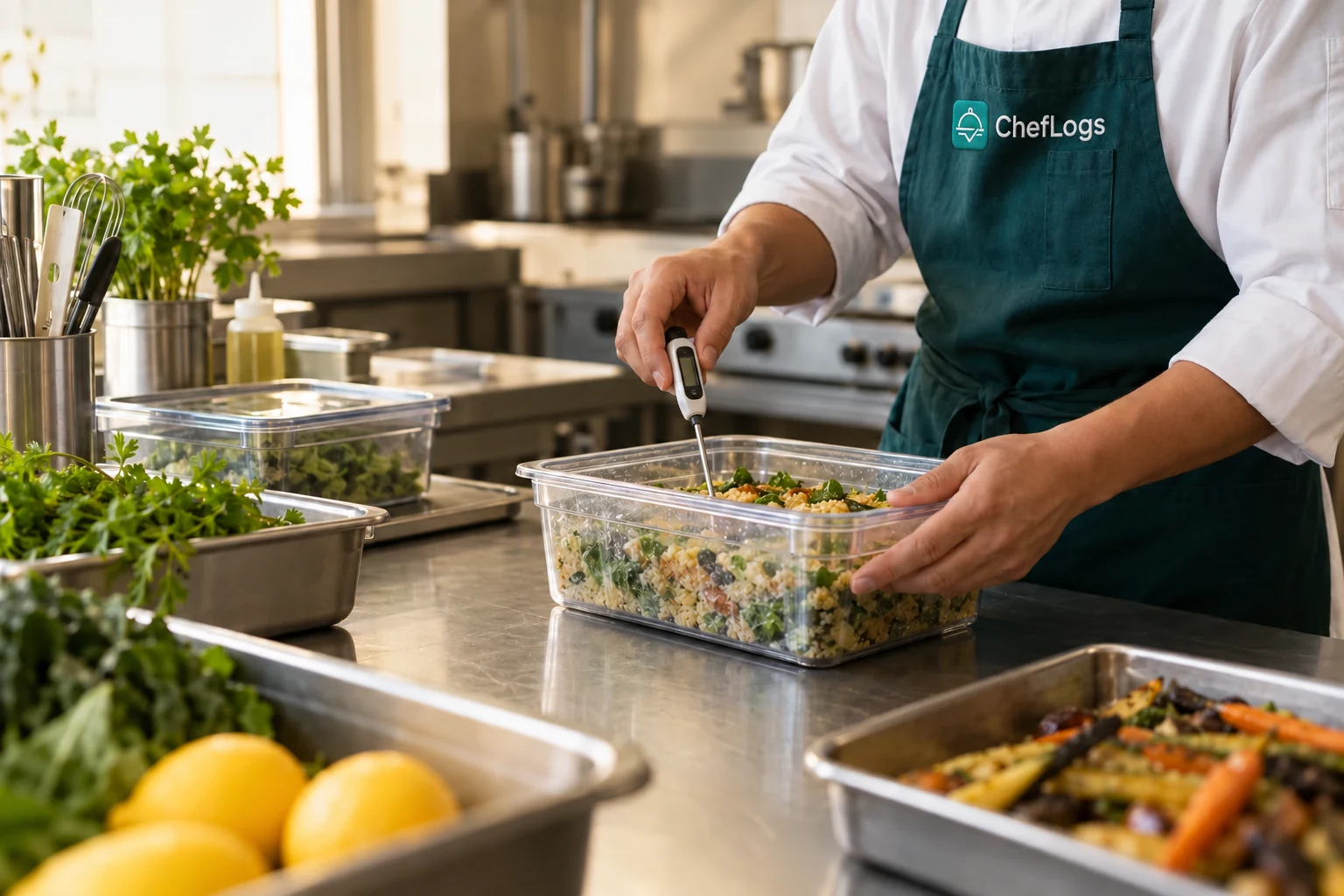 Small checks. A stronger daily rhythm.
Your owner manages invitations and permissions. Every member signs in with their own account, with a profile that makes the team easier to recognize.
Business & team administration
Equipment, schedules & corrections
Readings, deliveries & task completion
Email invitations. Verified sign-in. Business-specific access.
Create an account and set up your business, location, language, and preferred temperature units.
Invite your team by email. Assign each person the role that fits their responsibilities.
Add equipment and cleaning tasks, record deliveries and checks, and review your records together.
Set your restaurant’s country, city and timezone. Choose your display language, then set temperature units and date format for each branch without rewriting historical readings.
KITCHEN SETTINGSChoose a plan configured by ChefLogs administration.
For a kitchen getting its daily records into one place.
For teams making shared kitchen routines part of every service.
For operators organizing access across their restaurant workspaces.
Plan prices and included features are loaded from ChefLogs administration. Paid checkout is not yet available.
Simple answers to get you started.
Temperature readings, cleaning tasks and completions, supplier deliveries, batch and expiry details, and internal food labels. You can also review reports and the history of record corrections.
The business owner creates an email invitation in Team access and assigns a role. The invitee signs in with that exact email address, completes email verification when required, and accepts the invitation. Invitation links expire after seven days.
Members work within businesses they have been granted access to. Owners control roles and can remove membership. ChefLogs platform administration is separate from the kitchen workspace.
ChefLogs helps organize records and routines. Your restaurant remains responsible for its procedures, appropriate equipment limits, staff training, and local requirements.
Yes. The owner can choose Fahrenheit or Celsius, and the app includes English, Spanish, French, Italian, Norwegian, Bengali, German, and Malay. Location and timezone settings help your records fit your restaurant.
Starter is free. Pro is $10 per month and Business is $20 per month, in USD. Paid checkout is not yet available. You can create an account and explore the current app without entering payment details on this website.
Bring your routines, records, and people together.